Step by Step
Please note that you may have to remove the older version of Jonas Synergy from your computer before installing the new version. Also, it's advised that after you install the new version, to doublecheck that there is only one version of Jonas Synergy installed.
Navigate to your Windows settings and look for Add/Remove programs. Here you will see a list of all programs on your computer. Click the action (three dots) and click Uninstall.
Step 1: Visit New Builds - Jonas Synergy. Use the dropdown menu to select your facility type.
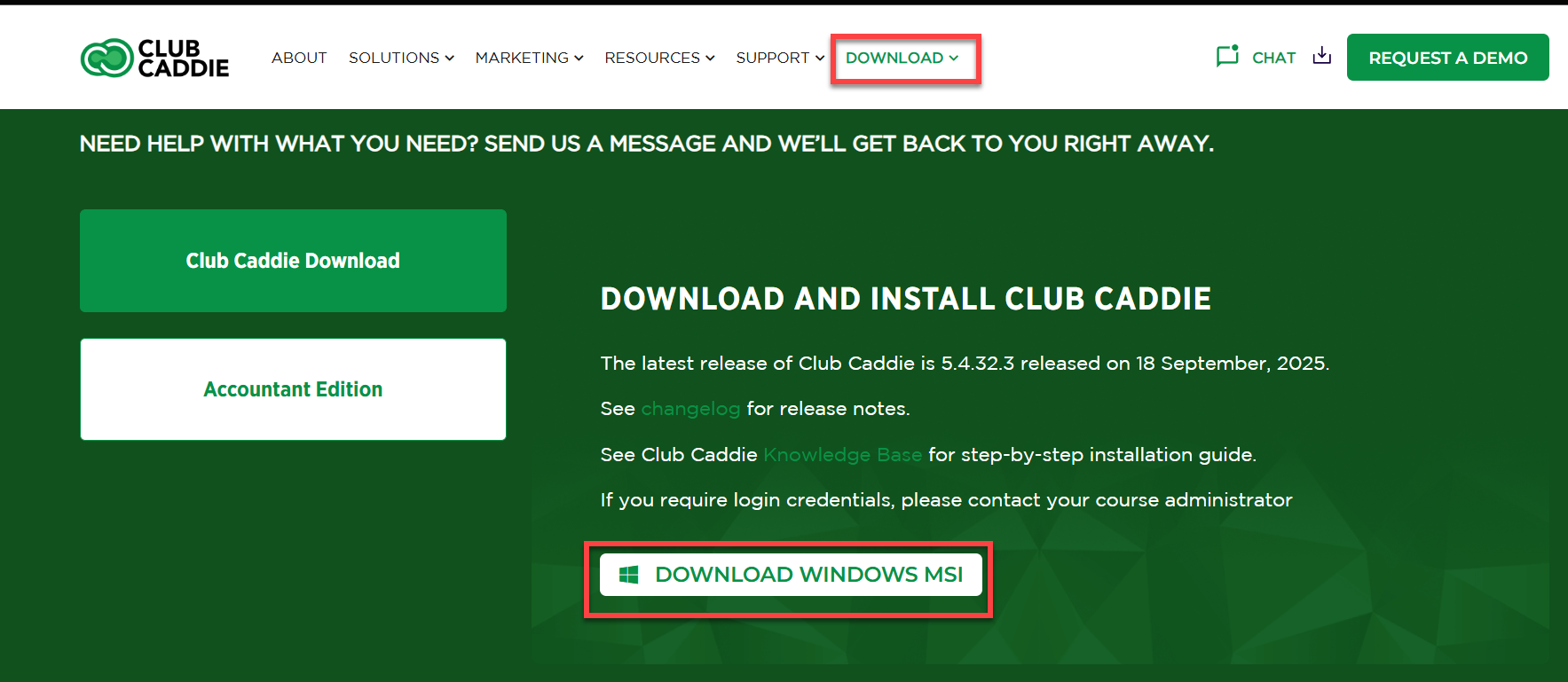
Step 2: Click on the Download 64-Bit button to begin the updates download.
Step 3: Locate the file under your downloads and select.
Step 4: Click on 'Next'.
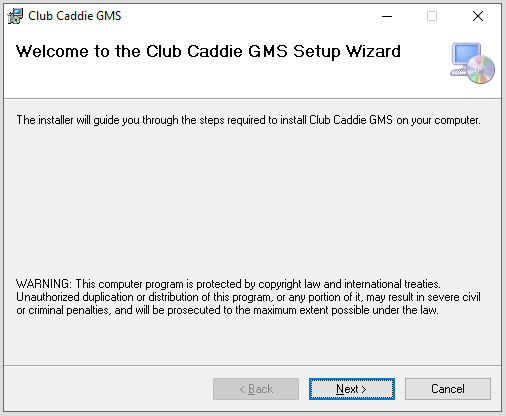
Step 5: Specify the download location. Typically, it is recommended to leave the default location. Click on the 'Next' button.
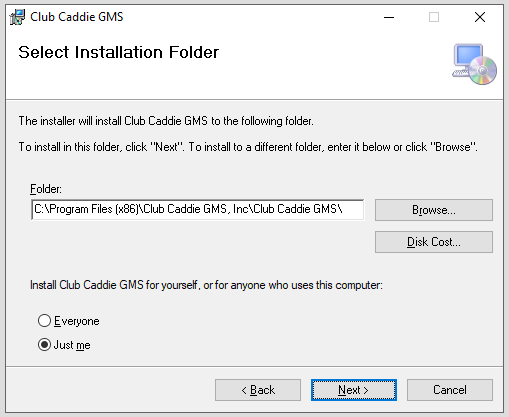
Step 6: At this time, please close the currently open instance of Jonas Synergy, then click on 'Next'.
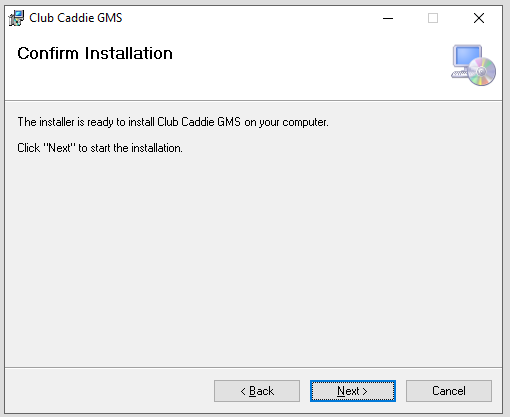
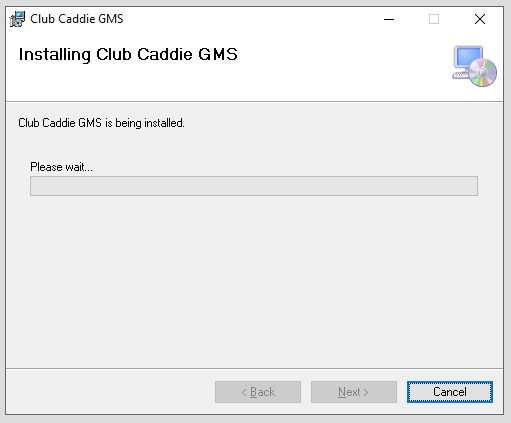
Step 7: Installation will begin and should be complete in around 30 seconds to 1 minute. During this process, you may be asked to allow the program to make changes to your computer.
Step 5: Specify the download location. Typically, it is recommended to leave the default location. Click on the 'Next' button.
Step 6: At this time, please close the currently open instance of Jonas Synergy, then click on 'Next'.
Step 7: Installation will begin and should be complete in around 30 seconds to 1 minute. During this process, you may be asked to allow the program to make changes to your computer.
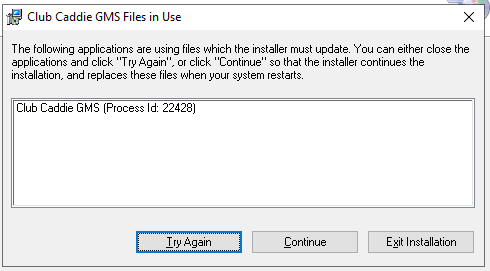
Step 8: If you have not closed Jonas
Synergy during the installation process, you will be asked to do so now to continue the installation. Kindly close the Jonas
Synergy golf management system and click on 'Try Again'.
Step 9: Once the installation process is completed you will be given the 'Installation Complete' pop-up. Click 'Close'.
Step 10: You may then search for Jonas
Synergy in the Windows search bar or locate the icon on your desktop to open your newly updated golf management system.