Creating Posts
Step-by-Step:
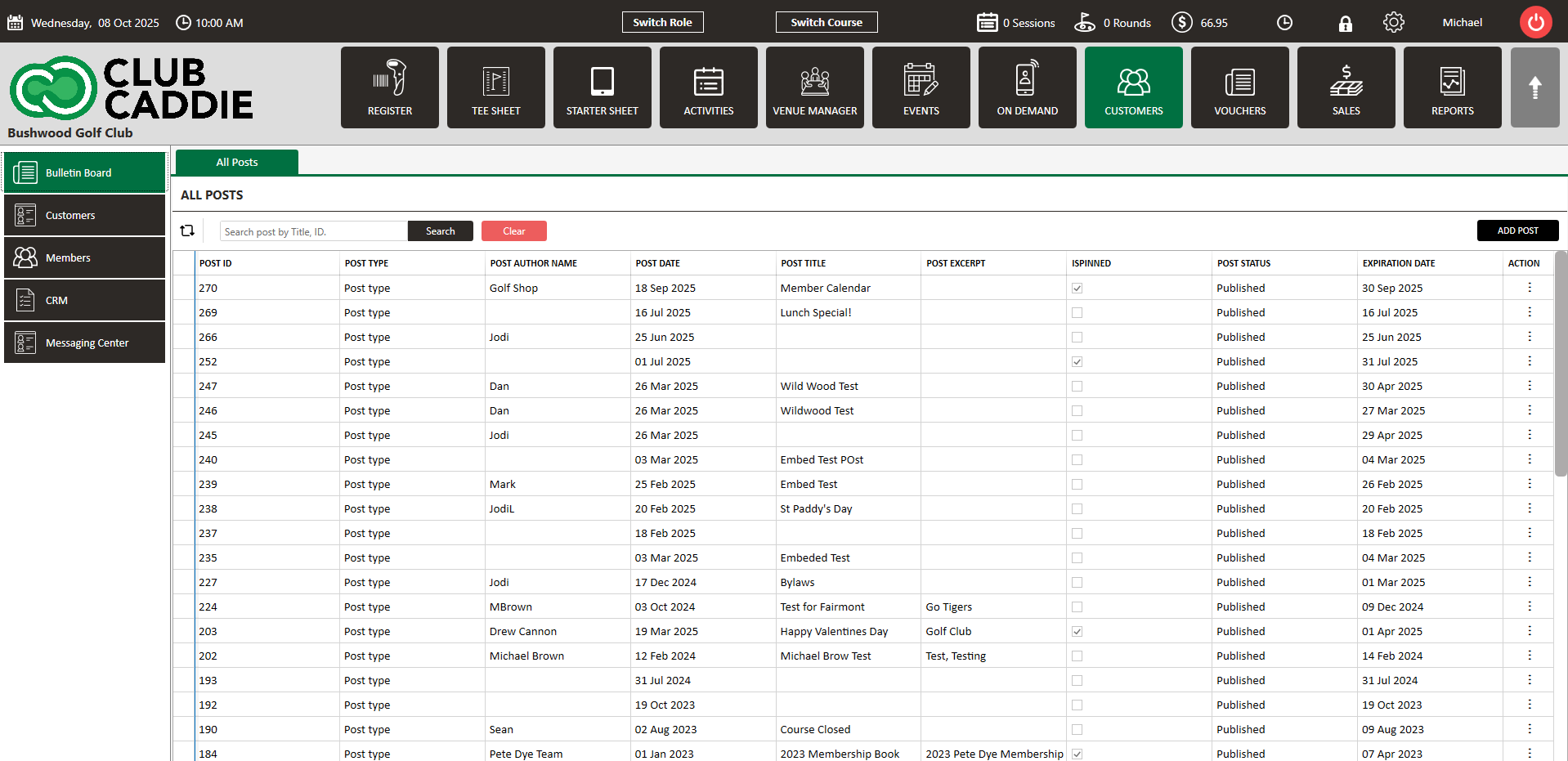
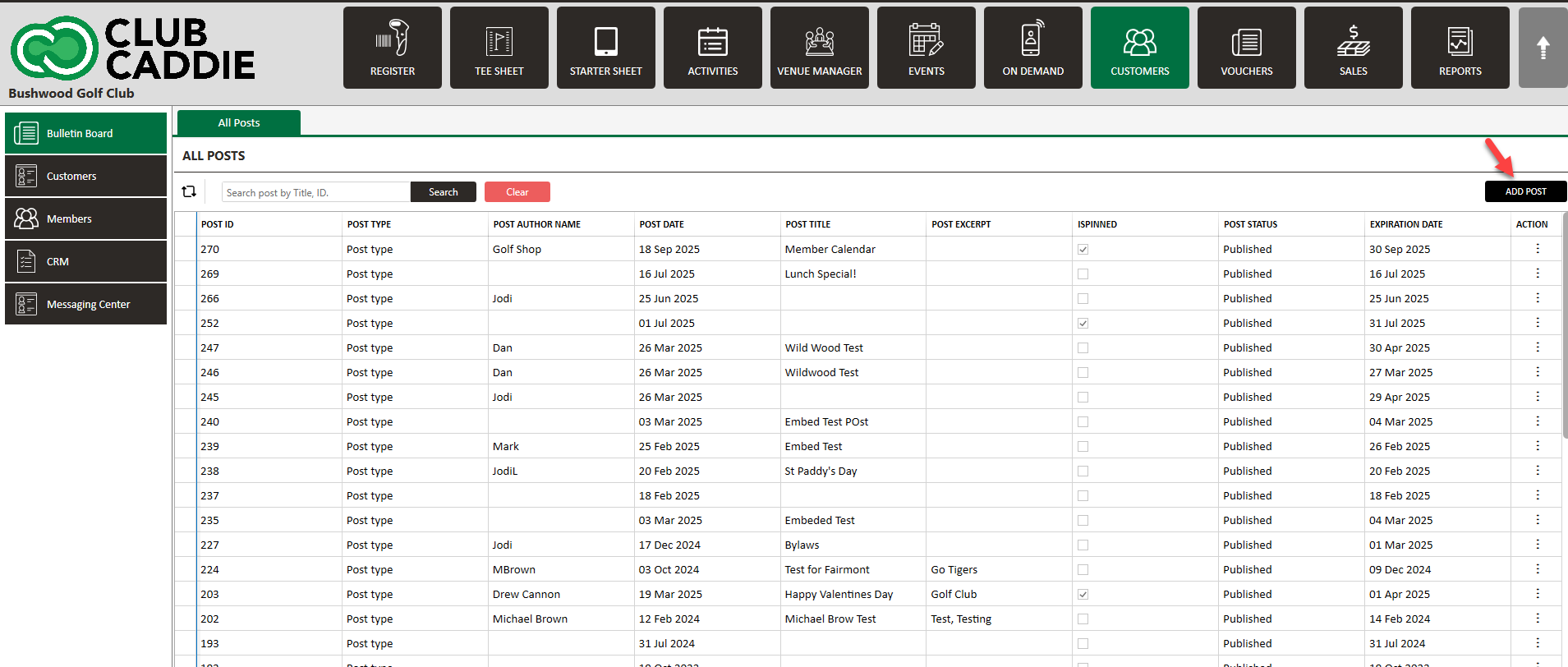
Step 1: Click on the “Guest” tab from the top navigation bar. Click on "Bulletin Board" and then click on "ADD POST".
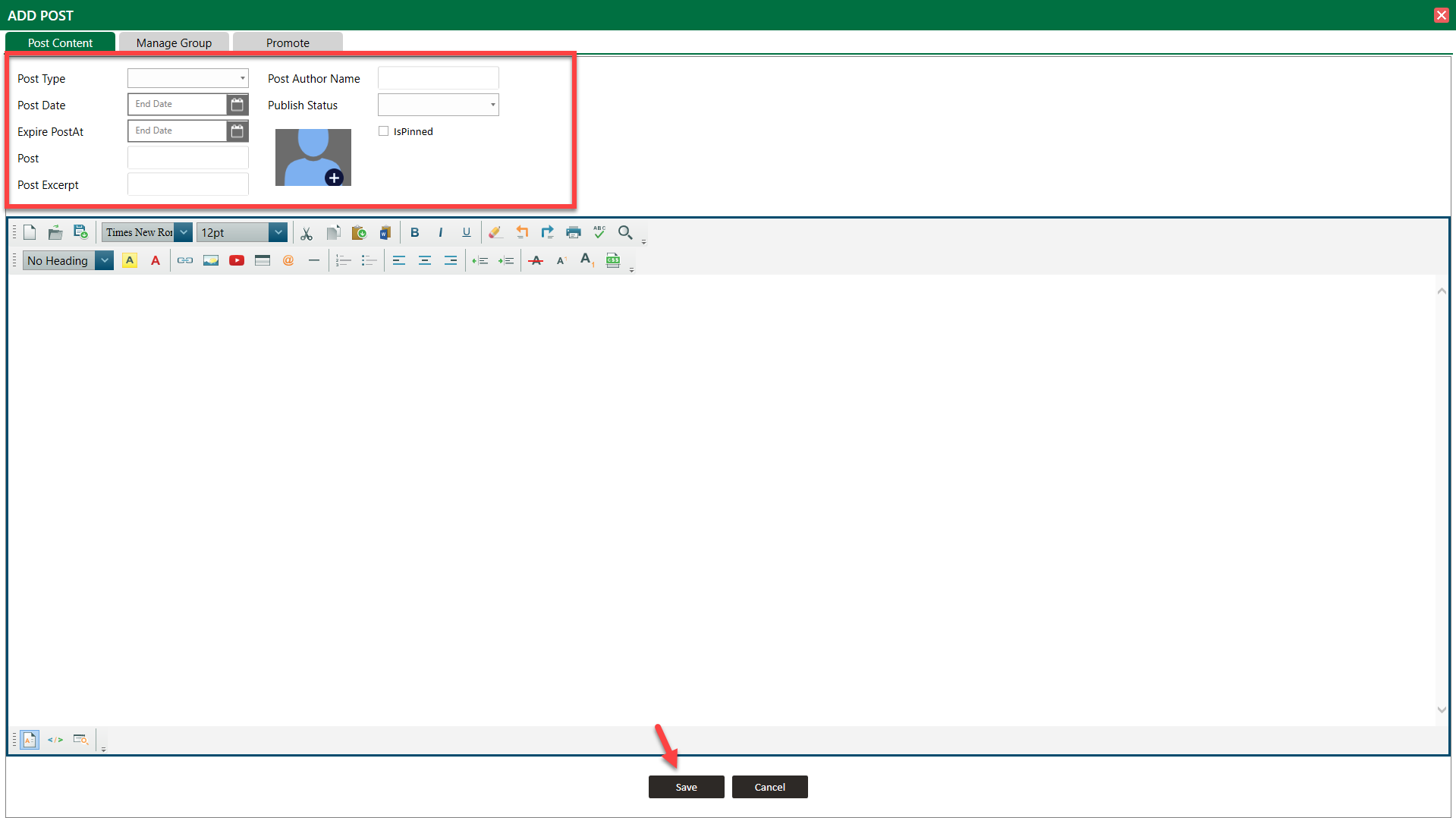
Step 3:The System will open "ADD POST" window pop up. You can create post here.
A)You can select "Post Type".
B)You can choose what will be actual "Post Date" and "Expiry Date".
C)You can write post title, post excerpt, post author name.
D) You can choose "Publish Status". The post is going to live immediately or you want to store it as a draft. Then click on "Save" button.
A)You can select "Post Type".
B)You can choose what will be actual "Post Date" and "Expiry Date".
C)You can write post title, post excerpt, post author name.
D) You can choose "Publish Status". The post is going to live immediately or you want to store it as a draft. Then click on "Save" button.
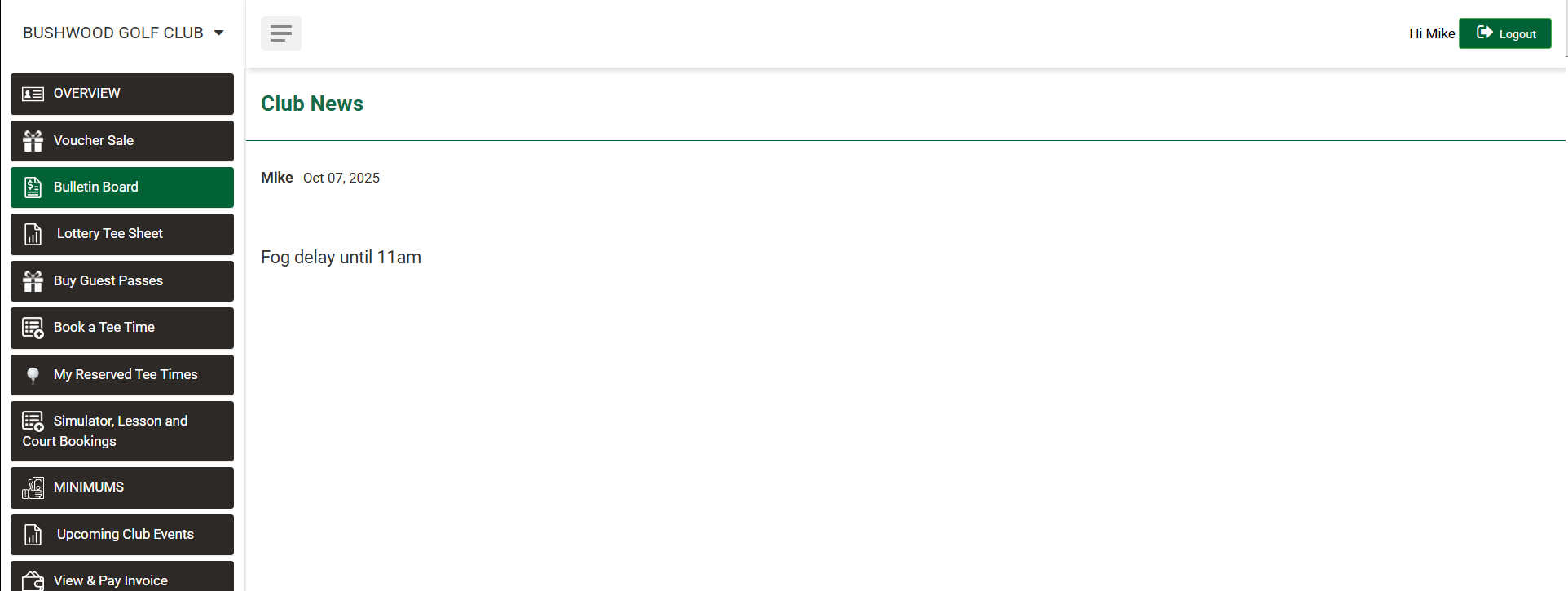
Step 4:When members login to Member Portal they can see this post on their profile.
Related Articles
Understanding the Bulletin Board (Video)
Article Contents: The video tutorial focuses on the bulletin board feature within the guests module of the Jonas Synergy software. It demonstrates how to create, edit, and manage posts to effectively communicate with guests or members. Step-By-Step: ...Relocating Guest email from archived to a new profile
This article contains a step-by-step guide on how to move an email address from an archived Guest profile to a newly created profile. This process is crucial in situations where a Guest requires a new profile or needs to change the email address. ...