Add Guest to Group
Step-By-Step:
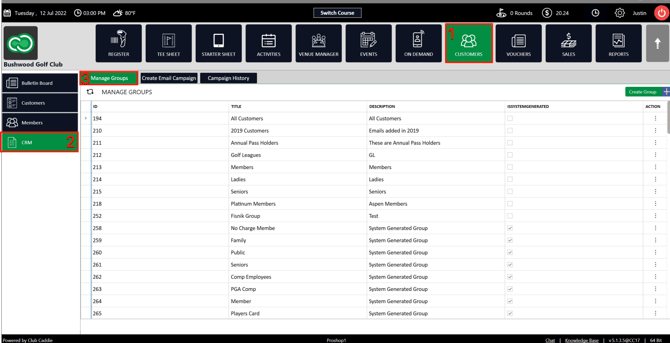
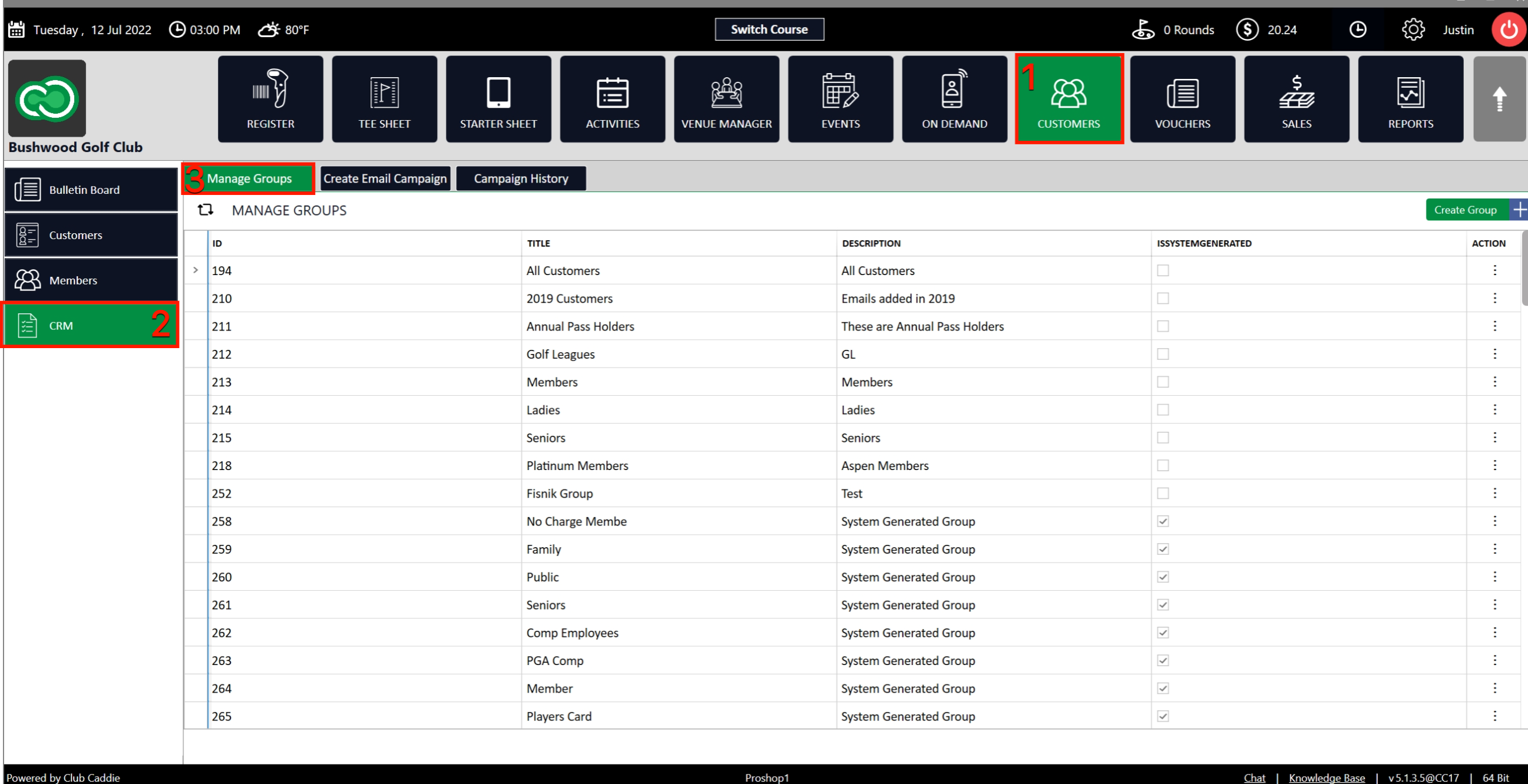
Step 1: Click on the Guests Tab (1) from the header of the window. Click on CRM (2) from the left row of the window, then select Manage Groups (3) where you can see a list of existing created groups.
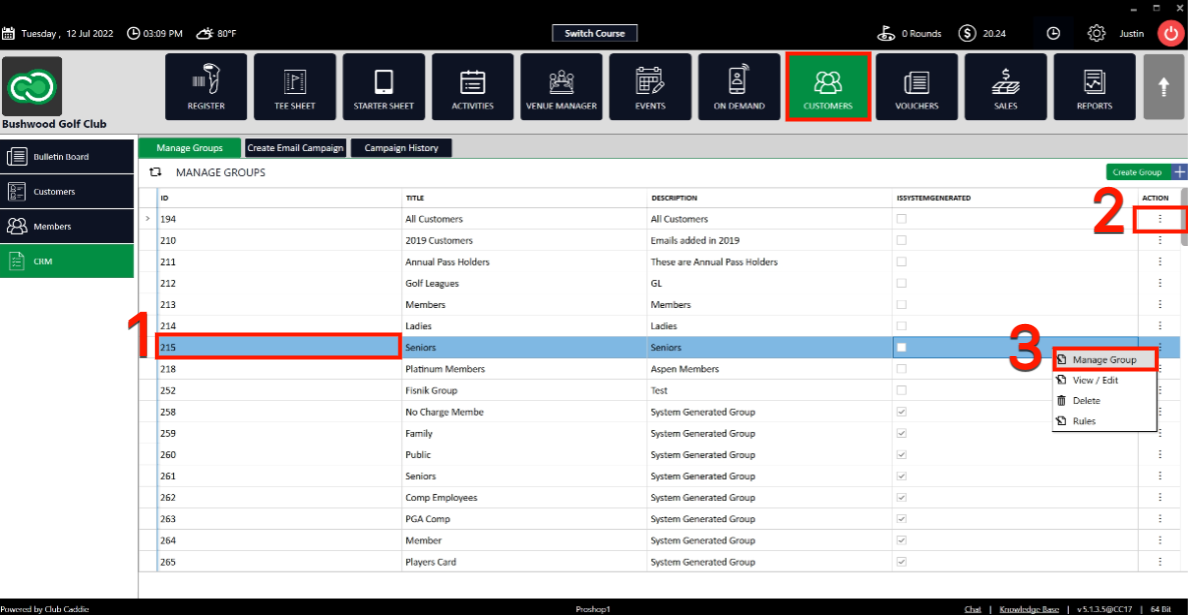
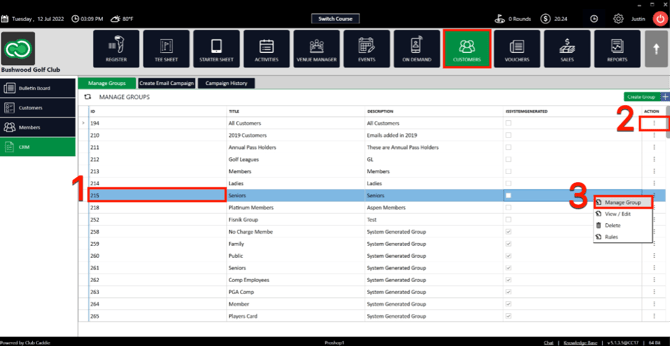
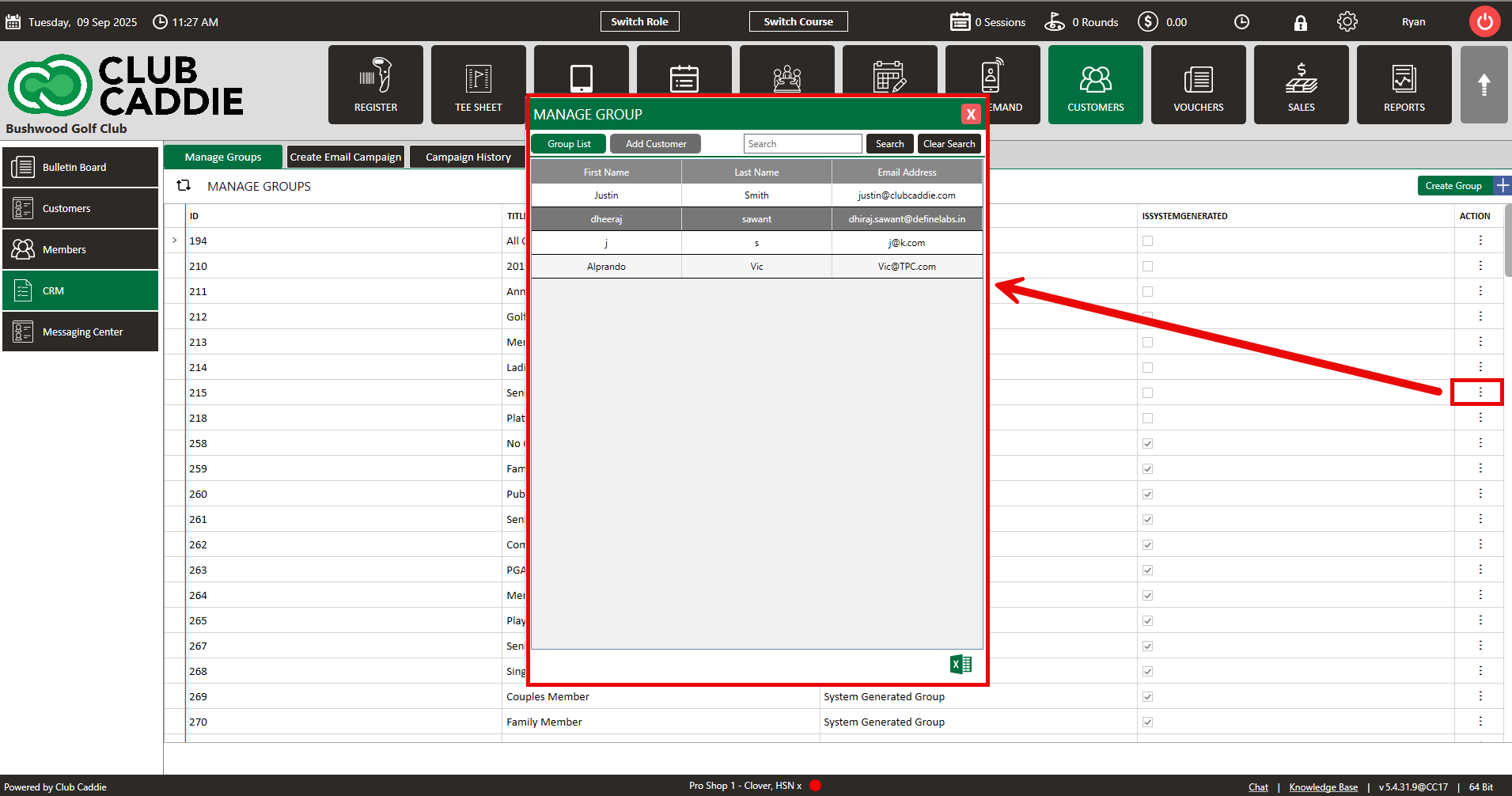
Step 2: If you want to Add or Remove Guests from those groups select the group to highlight it (1). Once highlighted click the group's action button (2), then click on the Manage Group from the pop-up window (3).
The system will generate a new MANAGE GROUP window.

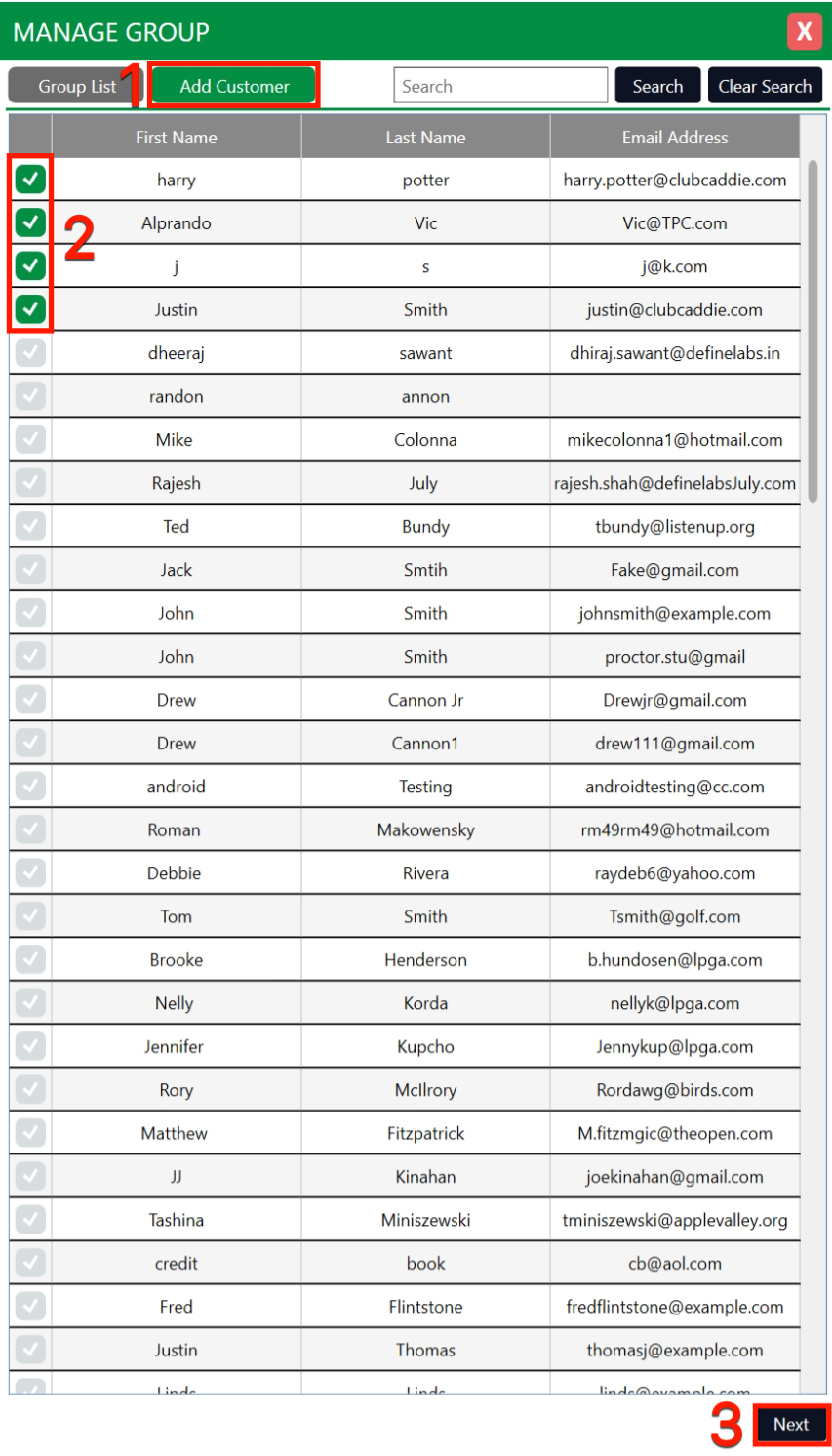
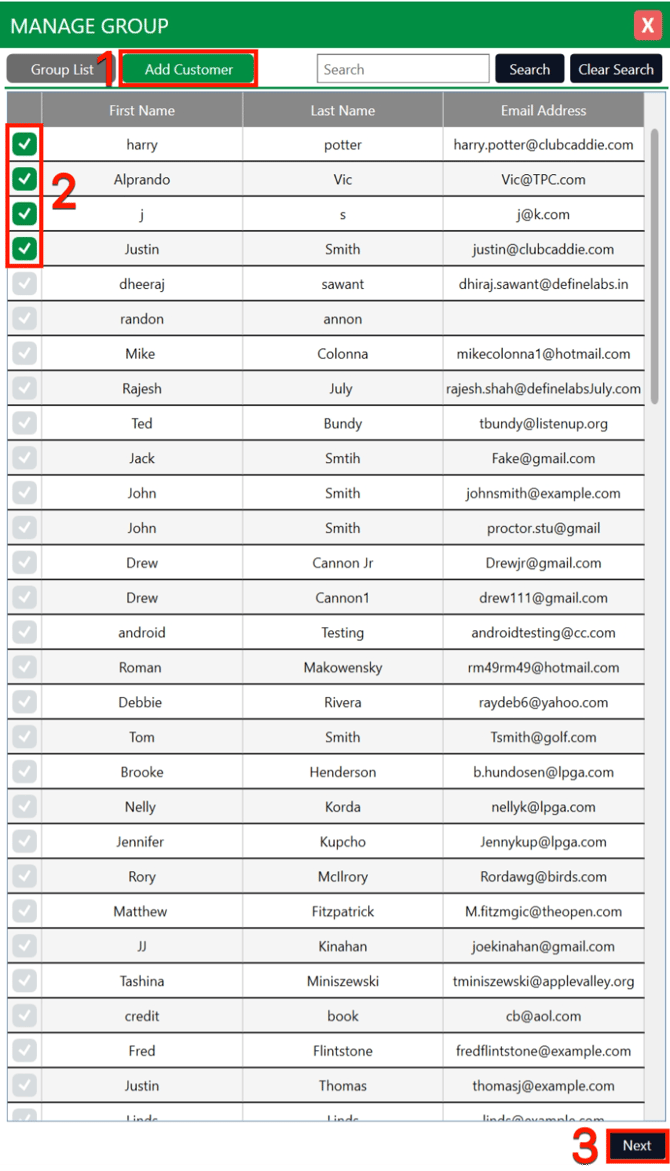
Step 3: Click on Add Guest (1) to add new Guests to the group. Select the Guest(s) (2), then click on the Next button (3). The Guest will be added to the group.
Related Articles
Assign Guest Class
Article Contents: This article contains step-by-step instructions on how to link a Guest class to a Guest Step-By-Step: Step 1: Select the Guest module from the module navigation menu, then click on Guests in the left-hand menu. Step 2: Click on the ...Adding a New Guest
This article summarizes how to add a new Guest from Tee Sheet, POS, and Guest Tab. Step-By-Step: A. Adding a new Guest through Tee-Sheet. Step 1: Click on the "Tee Sheet' Tab from the header of the window. Step 2: On Tee Sheet, there are time slots ...Create & Manage Groups
This article gives step-by-step instructions on how to create and manage Groups. Step-By-Step: Step 1: Select the Guests module from the module navigation menu. Click CRM from the left row of the window. Step 2: To create a new group click on the ...Adding a card to guest profile
Article Contents: The video tutorial demonstrates how to manage member payments using the "Payment" tab in the Jonas Synergy software. Step-By-Step: Step 1: The "Payment" tab allows you to store a credit card or an ACH account on file for a member or ...Search, Add or View Customer Profile
This article covers how to Search/Add/View Guest profiles Step-by-Step: Step 1: Click on the “Guests” tab from the top navigation bar. Step 2: Select "Guests" from the left row of the window and click on the "ADD Guest" button. Step 3: Then the ...