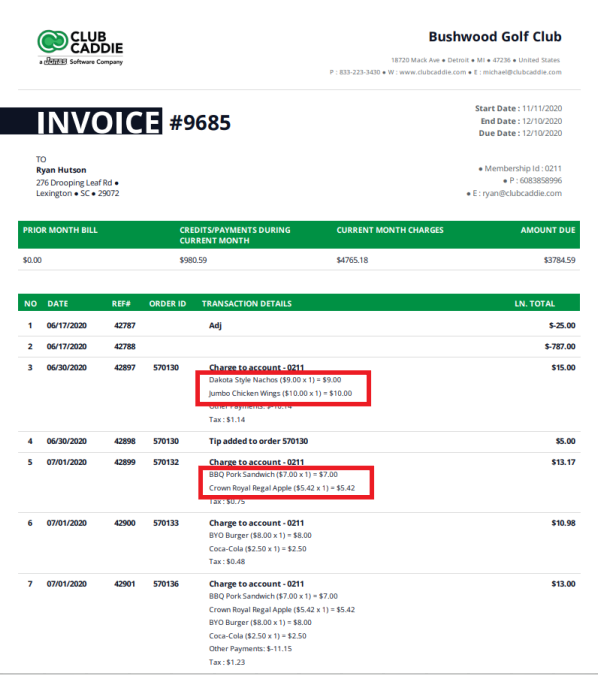
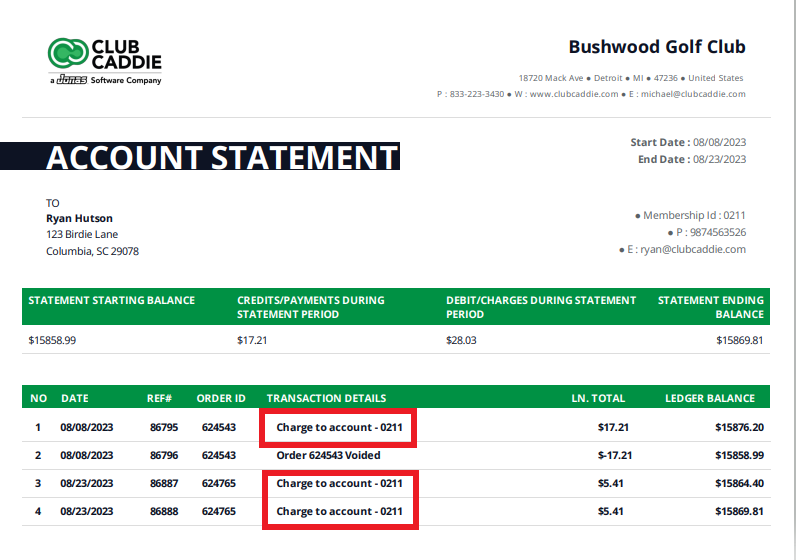
Show Order Details on Invoice
Related Articles
Membership Settings
In Jonas Synergy, the membership settings are crucial to managing your club operations effectively. This knowledge-based article will guide you through the membership settings, offering a detailed understanding of each option, ensuring you make the ...
Show/Hide Modifiers on Receipt
Article Contents: This article summarizes how to adjust the Settings - Register setting - Show/Hide Modifiers on Receipt Step-By-Step: Step 1: Click on "Settings" (gear wheel) from the top navigation bar then "Register Setting" from the left-hand ...
Re-Opening an order
Article Contents: This article provides a step-by-step guide on how to re-open a sales order or pending order from the Recent Orders window. Step-By-Step: Step 1: Select the SALES module from the module navigation menu. This will open the Recent ...
SETTINGS: REQUIRE EMPLOYEES TO CLOCK IN BEFORE ORDER CREATION
Article Content: When this feature is turned ON, employees will not have the ability to start a tab until they Clock In. Step 1: Click on the top left gear wheel image, "Settings" Step 2: Click on the "Register Settings". Step 3: Check mark "Require ...
User Role Permissions
Article Contents: This article contains information on User Role permissions. Settings > Manage Roles > Action > Edit Permissions Step 1: Click on the Gear Wheel icon on the top right corner of the screen. Then, click on the Manage Roles button from ...