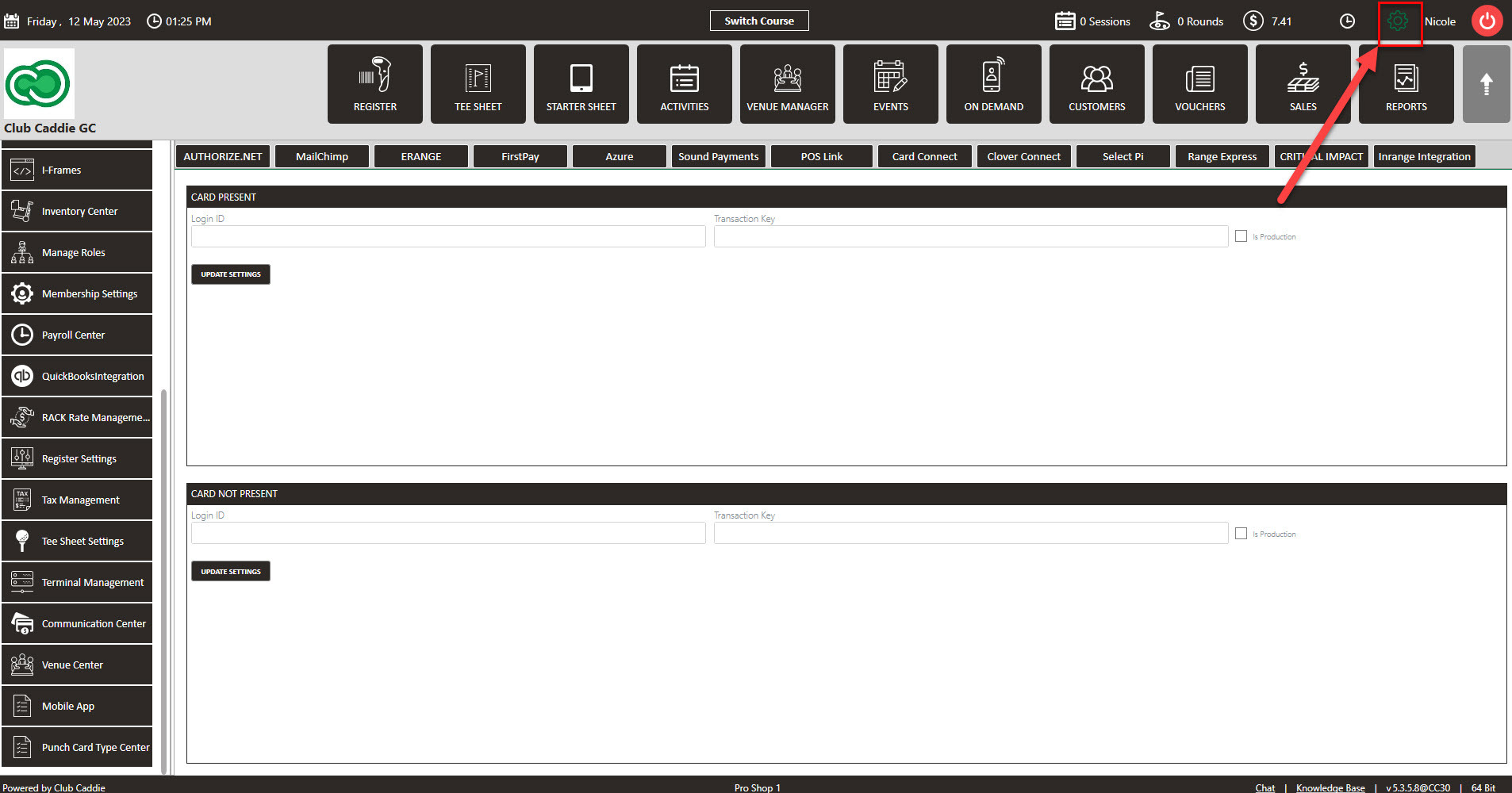
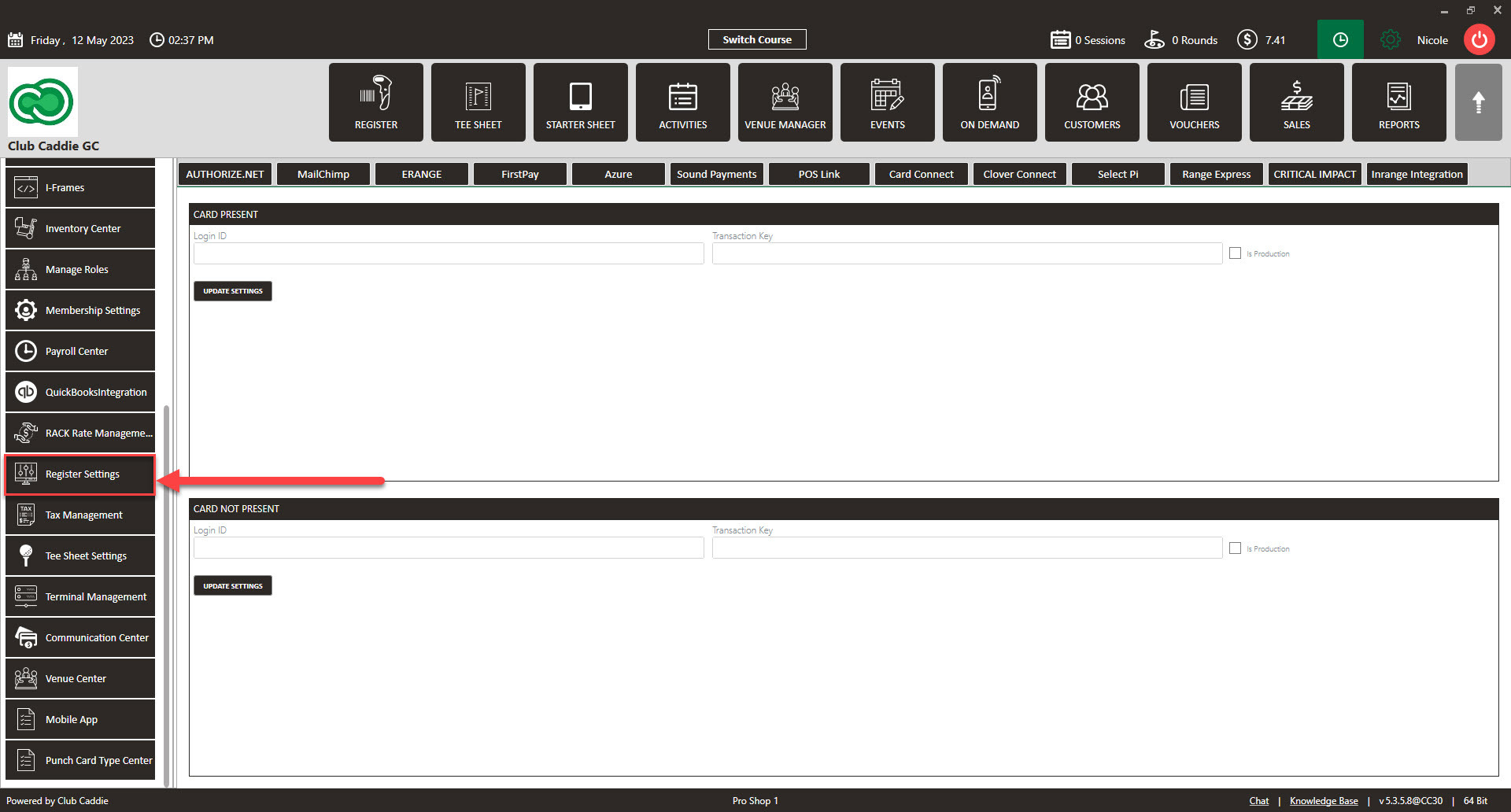
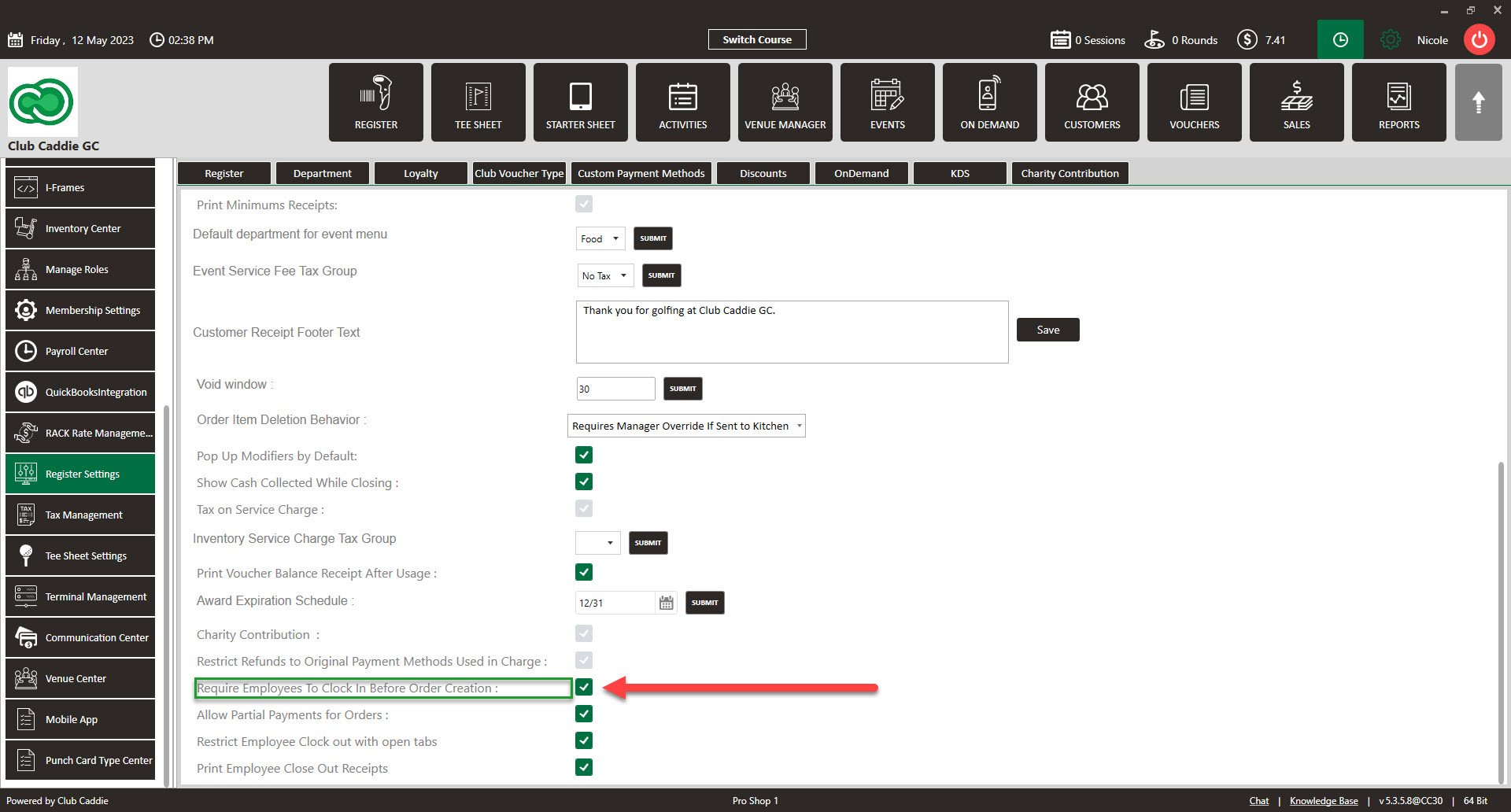
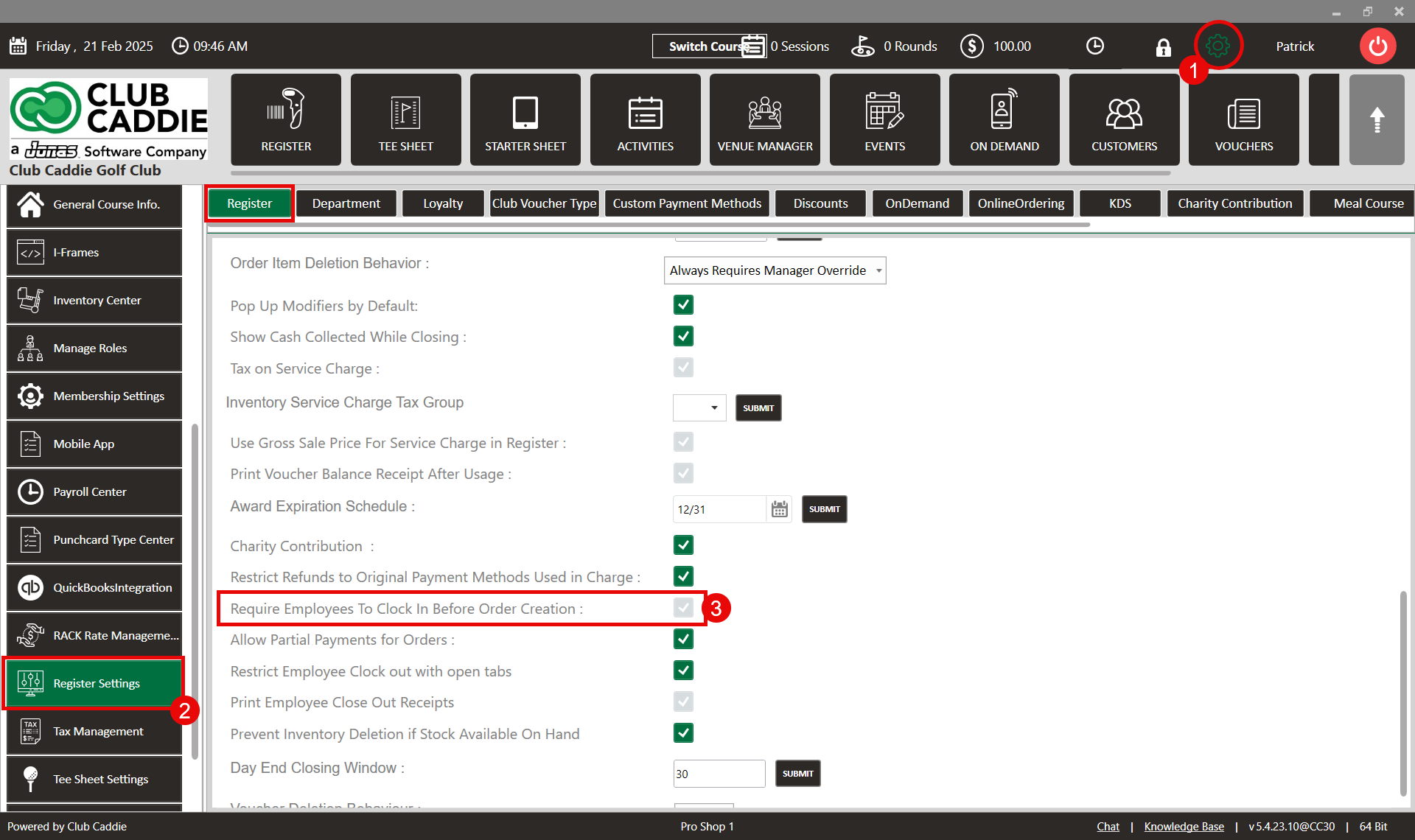
SETTINGS: REQUIRE EMPLOYEES TO CLOCK IN BEFORE ORDER CREATION
Related Articles
SETTINGS: REGISTER SETTINGS
Article Contents: This will show you how to navigate through your register settings, as well as providing a brief description on what each setting can do for you club. Video: The video covers essential features such as printing tip receipts, adding ...
SETTINGS: RESTRICT EMPLOYEE CLOCK OUT WITH OPEN TABS
Article Content: When this feature is turned ON, employees will not be able to clock out with any open tabs and will either have to transfer them to another employee or tender out the open tabs. Step-By-Step: Step 1: Click on the top left gear wheel ...
Membership Settings
In Jonas Synergy, the membership settings are crucial to managing your club operations effectively. This knowledge-based article will guide you through the membership settings, offering a detailed understanding of each option, ensuring you make the ...
SETTINGS: CUSTOM DISCOUNT CREATION
Article Contents: This article contains step by step instructions on how to create a customized discount button for the register Step-by-Step: Step 1: Click on the Gear wheel Icon on the top right corner of the screen. Step 2: Click on the"Register ...
SETTINGS: CLUB VOUCHER TYPE CREATION
Article Contents: This article contains step-by-step instructions on how to create custom voucher types and map the vouchers to your chart of accounts. Step-by-step: Step 1: Click on the Gear Wheel icon in the top-right corner of the screen to access ...