Adding Shipping Costs
Step-By-Step:
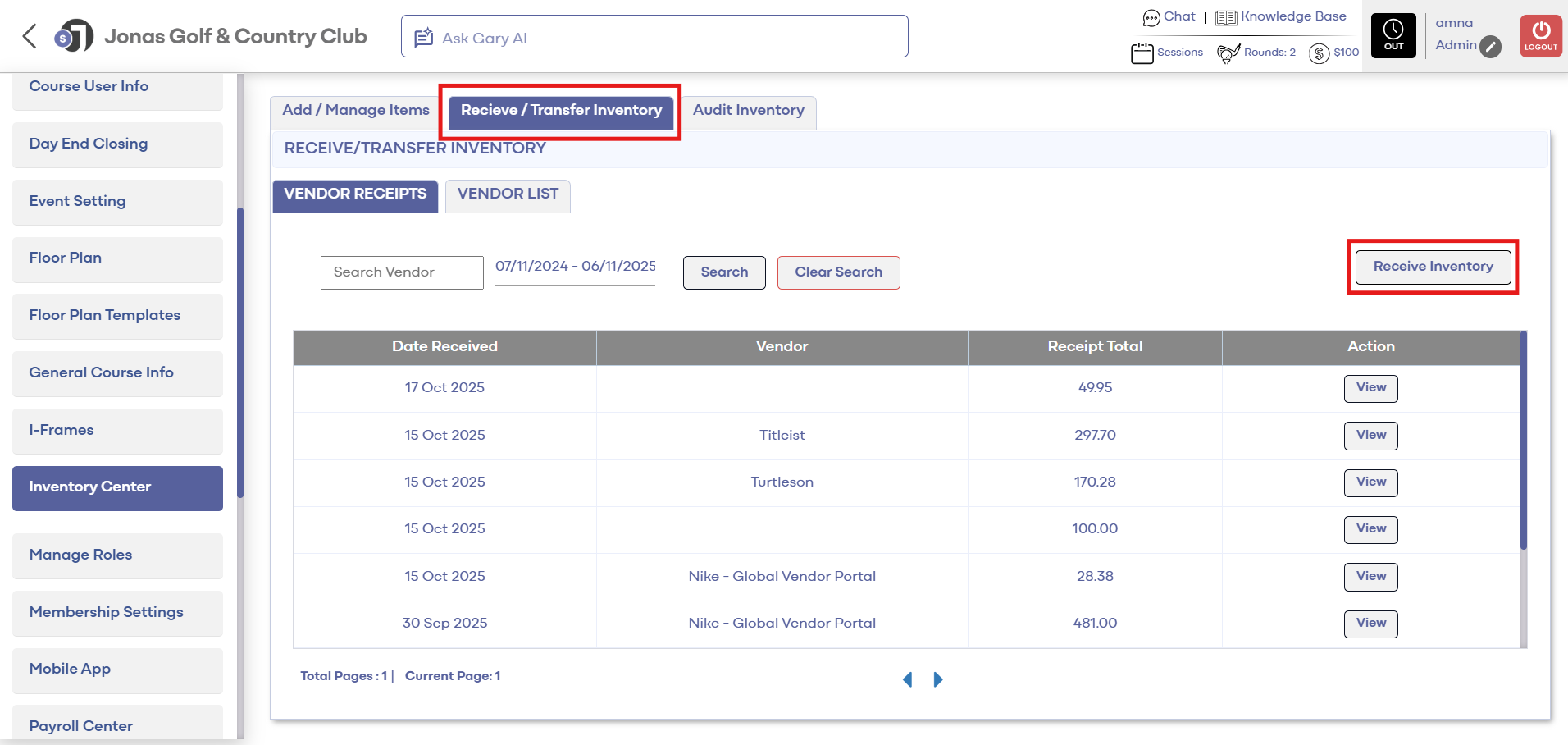
Step 1: Navigate to Settings and then select Inventory Center from the left-hand-side menu.
Step 2: Click on the Receive/Transfer Inventory tab. Then, select Receive Inventory on the left side.
Step 3: A Receive Inventory window will display where you will enter the Invoice Number, Vendor, PO Number, Invoice Date, then search for an item or Add New Item, and then enter Shipping Cost.
Step 4: Enter Received Qty and Received Unit Cost. Then click Submit.
Note: Notice above that the shipping cost is prorated by line item
Related Articles
Adding Rack Rates
This article shows how to Add rack rates to tee sheet. Step-By-Step: Step 1: Click on the Gear Wheel Icon on the top right corner of the screen for Settings. Then, click on Rack Rate Management on the left-hand-side menu. Step 2: Click on "Add" for ...Adding a Pricing Schedule (Video)
Article Contents: This article contains step-by-step instructions on how to add a Pricing Schedule. Ex. Setting up discounts on drinks for a happy hour every Friday from 4-7pm. Video Contents: This tutorial video delves into the features and ...Creating A New Group Modifier (Video)
In this video tutorial, we will guide you through the process of creating an inventory item with modifiers We will cover how to start with an existing item template, update its details, choose menu colors, add modifiers, and apply them to the ...Terminal Receipt Settings
New settings have been added in Terminal Management to allow more control over printing guest and merchant receipt copies separately. This can help save on paper and printing costs. Step-By-Step: Step 1: Navigate to Settings, then click on Terminal ...Inventory Audit (Video)
This article contains step-by-step instructions on how to maintain accurate inventory levels and how to evaluate item costs according to stock Step-by-Step: Step 1: Click the Gear Wheel icon from the window's top right corner. Select the Inventory ...