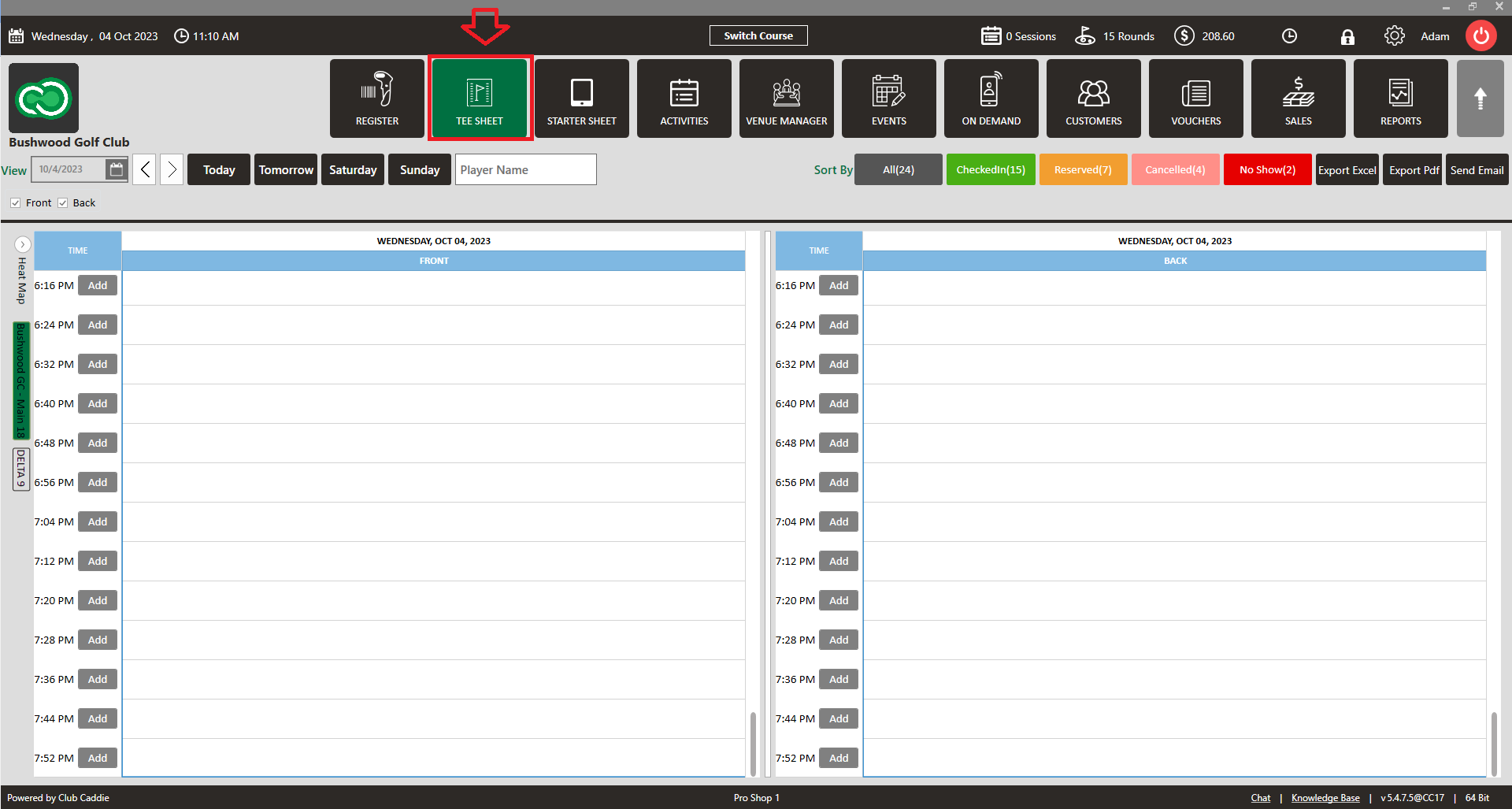
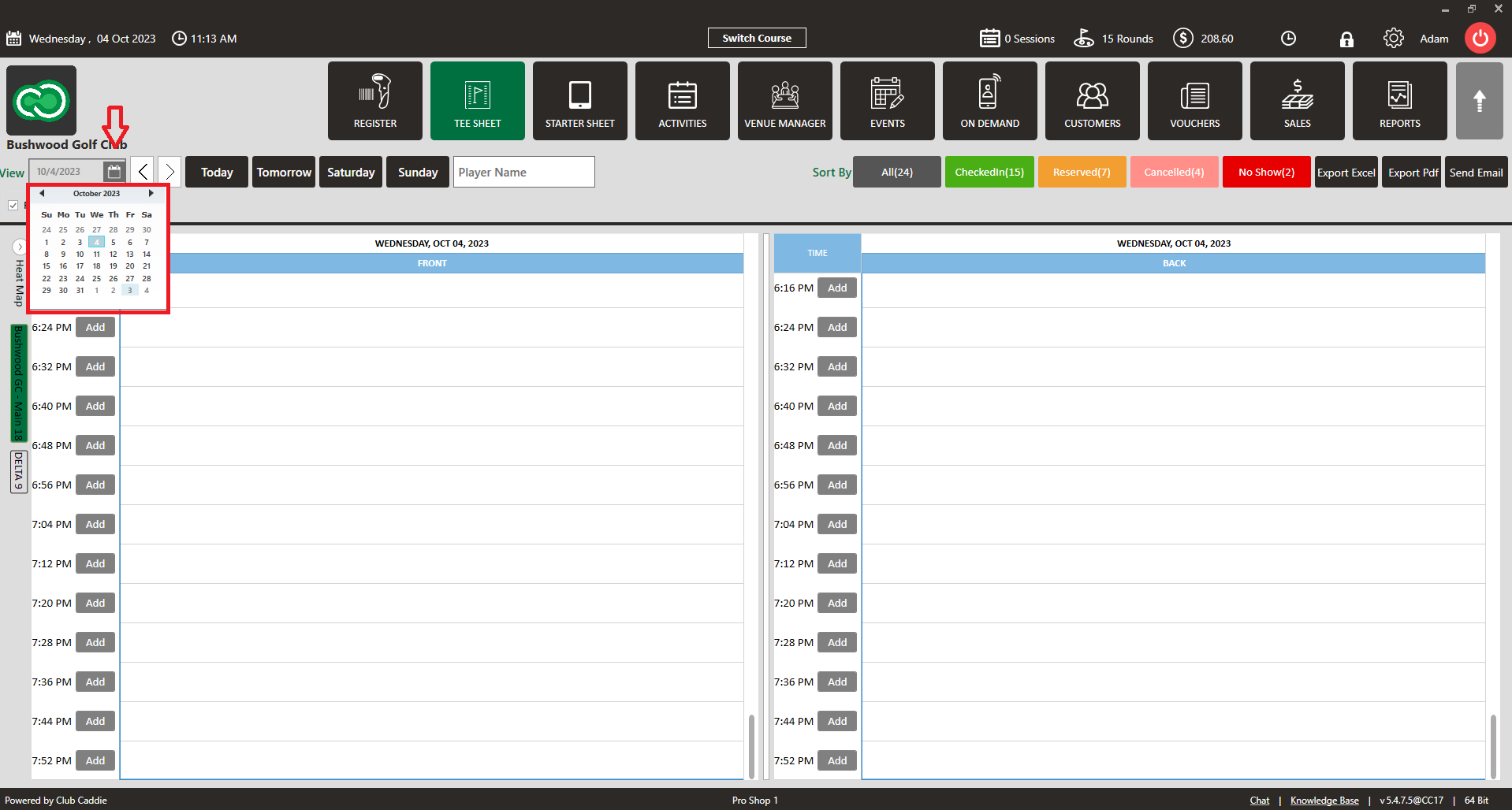
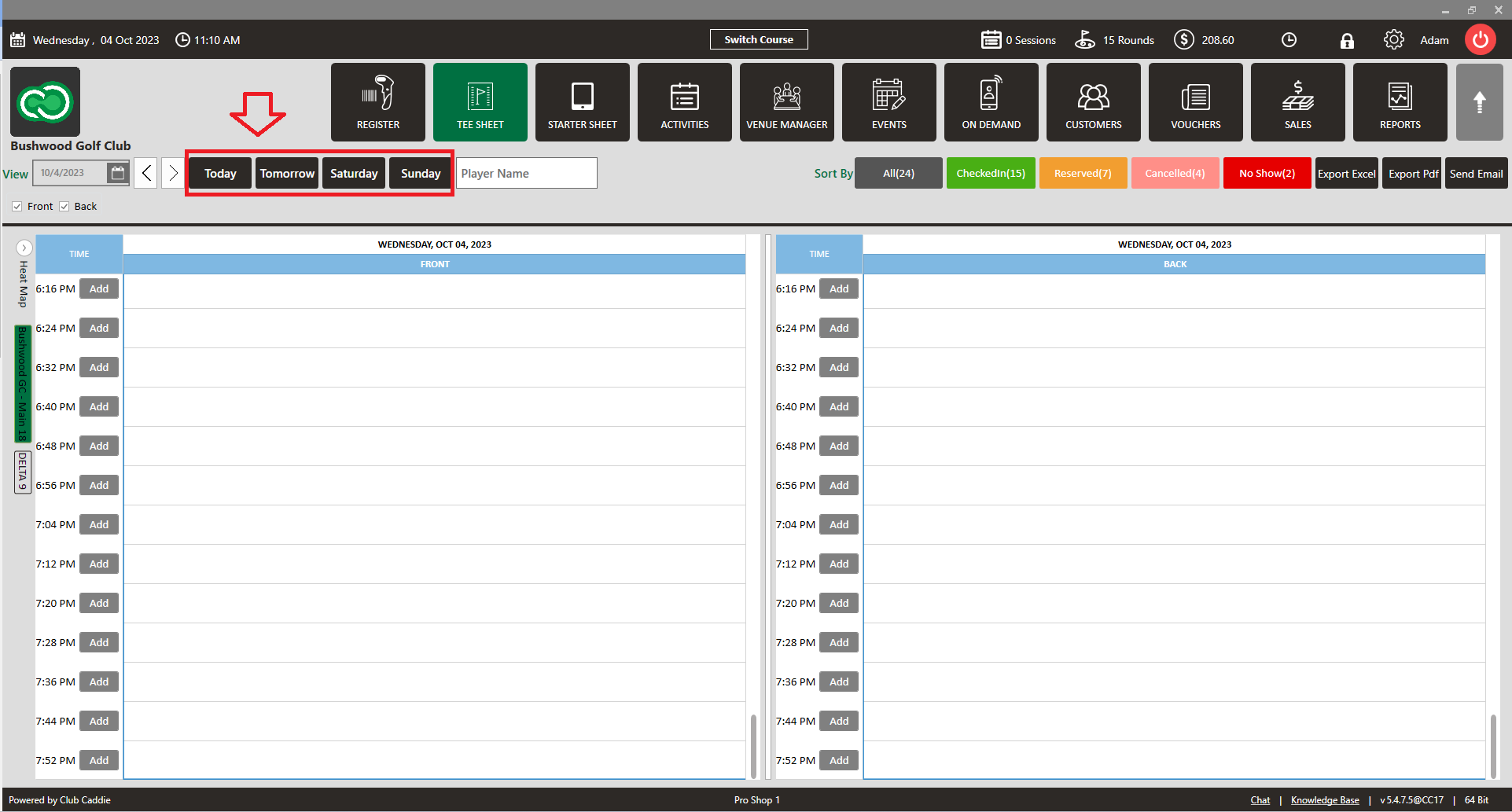
View Calendar or a Select Day
Related Articles
View Guest Profile
This article gives step-by-step instructions on how to view a Guest profile from the tee sheet. Step-By-Step: Step 1: Click on the tee sheet module from the top navigational menu. Step 2: Go to the Tee Sheet and select the guest reservation time ...
Send Email
This article contains a step-by-step guide on sending an e-mail through the tee sheet. Step-By-Step Step 1: Click on the "TEE SHEET" button at the top of the screen. Step 2: Click on the "Send Email" button at the top of the screen as this will ...
Filter By Status
Article Contents: This article provides information on sorting your day's tee time bookings by their current status. Step-By-Step: Step 1: Navigate to the TEE SHEET module using the top navigation menu. Step 2: In the top right-hand portion of the ...
Booking Confirmation
Article Contents: This article contains step-by-step instructions on sending a booking confirmation. Step-By-Step: Step 1: Select “Tee Sheet” from the main menu. Step 2: Select the day and time you wish to book. Step 3: Once you have entered the ...
Issuing A Rain Check
Article Contents:- This article provides step-by-step instruction on how to issue a Rain Check or refund a transaction directly from the tee Sheet module. Step-By-Step: Step 1: Click on the "Tee Sheet" button from the top navigation bar. Step 2: ...