Settings Overview
Overview:
Step 1: The Activity Center acts as the control center for the ACTIVITIES module. The Activity Center (which can be found at Settings > Activity Center) offers several tabs with functionalities to help club operators manage their activities effectively.
These tabs are Activity Resource Types, Activity Resources, Activity Rack Rates, Activity Class Rates, Activity Policies, Activity Settings.
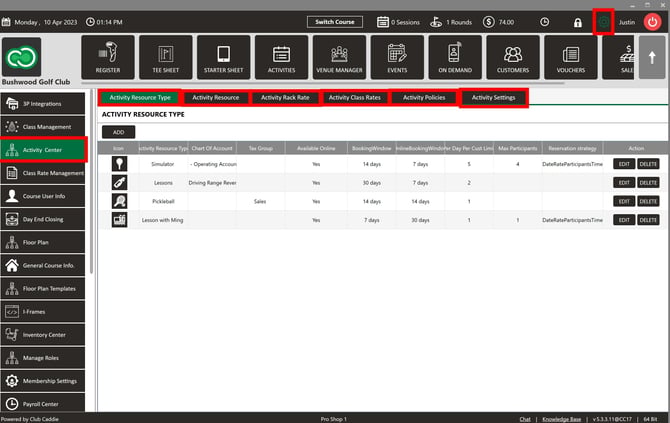
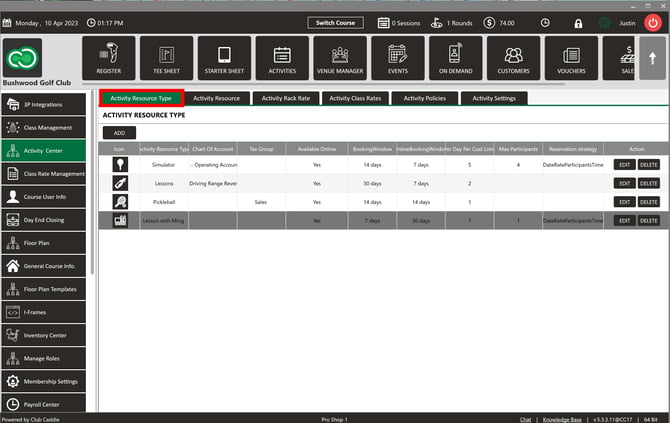
Activity Resource Type: The Activity Center enables club operators to create and manage " Activity Resource Types." These are different types of course resources, such as simulators, lessons, or pickleball. Once created, these resource types can be found within the ACTIVITIES module.
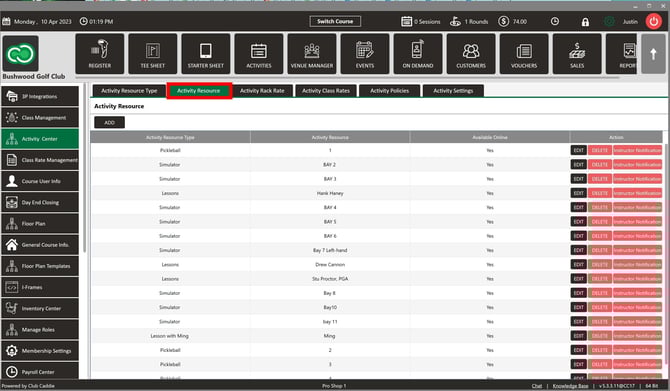
Activity Resources: These refer to the physical locations of the Activity Resource Types. For example, a simulator's Activity Resource could be Bay 1.
Activity Rack Rates: This function allows operators to set rack rates for various activities, similar to public golf rack rates. Features include naming the rack rate, setting the amount, resource type, duration, day of the week, start and end dates, start and end times, online availability, display sequence, and booking windows.
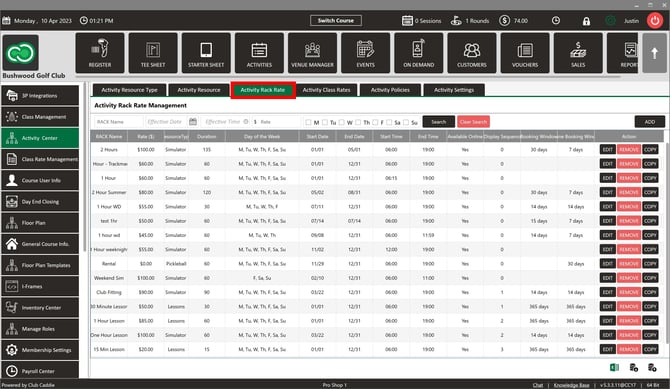
More information on creating Activity Rack Rates can be found HERE.
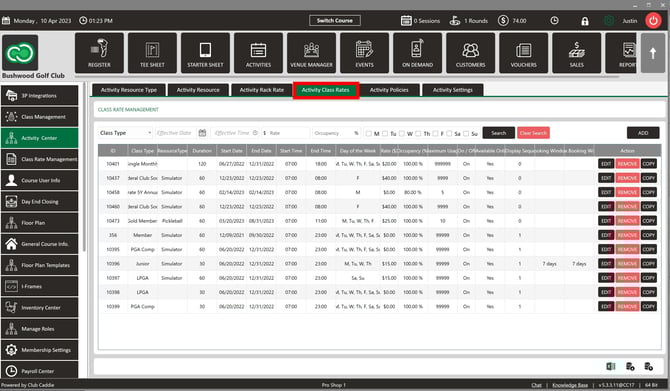
Activity Class Rates: Operators can set class rates for activities, similar to golf class rates. This includes selecting the class type, resource type, duration, day of the week, start and end dates, start and end times, online availability, rate, occupancy level, maximum usage, display sequence, and booking windows.
Activity Policies: The Activity Center allows operators to establish various policies related to the use of activity resources.
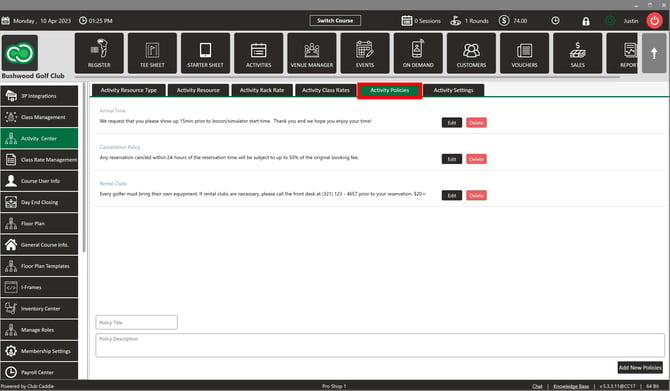
More specific information on creating and managing Activity Policies can be found HERE.
Activity Settings: Operators can customize various settings related to activity resources.
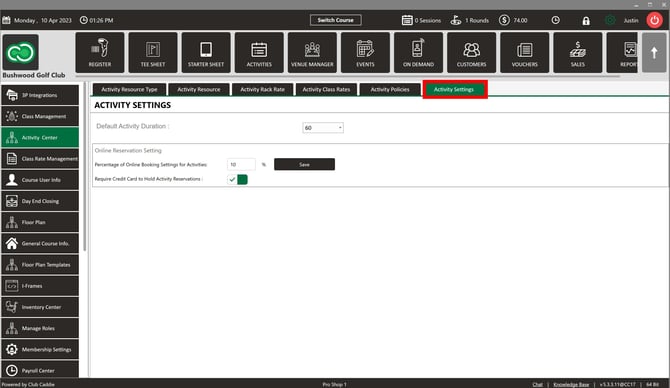
Specific information about these settings and how to configure them can be found HERE.
Summary:
The Activity Center in Jonas Synergy software provides a comprehensive solution for managing club resources and activities, allowing operators to create and manage resource types, set rates, establish policies, and configure settings to meet their unique needs.
The Activity Center in Jonas Synergy software provides a comprehensive solution for managing club resources and activities, allowing operators to create and manage resource types, set rates, establish policies, and configure settings to meet their unique needs.
Related Articles
Module Overview (Video)
In these videos, we will focus on the Activities Module and explore its various features and functionalities. Step 1: Navigate the Activities Module interface. Step 2: Customize the display to show only relevant information for each user, ensuring an ...Settings
This article contains step-by-step instruction on how to access and configure in Jonas Synergy's Activity Center. The settings covered include Default Duration, Require Credit Card to Hold Activity Reservations, and Percentage of Online Booking ...Activity Resource
This article contains step-by-step instructions on how to create Activity Resources in Jonas Synergy Software. ACTIVITY RESOURCES ARE THE PHYSICAL LOCATIONS WHERE THE ACTIVITIES ASSOCIATED WITH A SPECIFIC ACTIVITY RESOURCE TYPE ARE PERFORMED, SUCH AS ...Resource Instructor Assignment
Article Content: This article provides a guide on how to tie an instructor to an activity resource. This is helpful for your employees to be notified via email of a booking for a certain activity resource. Step-By-Step: Step 1: Navigate to Settings ...Reservation Strategy
This article contains a step-by-step guide on how to set your Reservation Strategy as it will set your sequence options for players booking online. Step-By-Step: Step 1: Navigate to Settings and then click on Activity Center from the left-hand-side ...