Step-By-Step
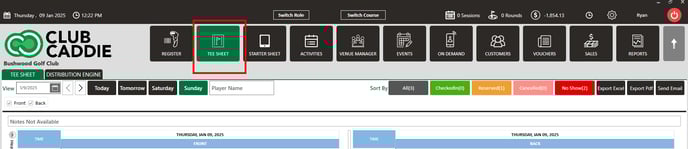
Step 1: Navigate to the tee sheet module from the top navigation bar.
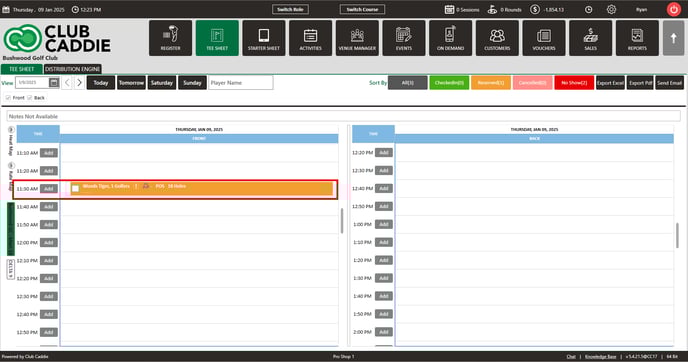
Step 2: Locate the tee time reservation on the tee sheet.
Step 1: Navigate to the tee sheet module from the top navigation bar.
Step 2: Locate the tee time reservation on the tee sheet.
Step 3: Right click on the tee time and you'll see the option to CANCEL the tee time. Click CANCEL.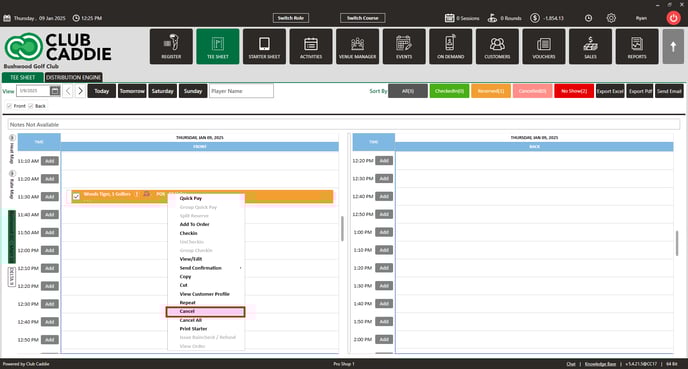
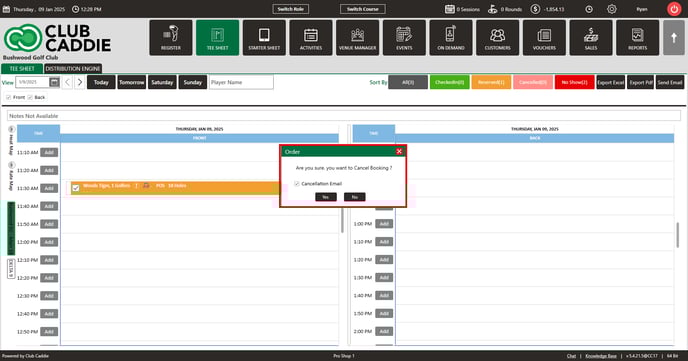
Step 4: Click YES to confirm the cancellation of the tee time. You'll also have the option to send a cancellation email to the guest as well by leaving the "cancellation email" box checked. If you uncheck the box, the guest will not receive the cancellation email.